

 All news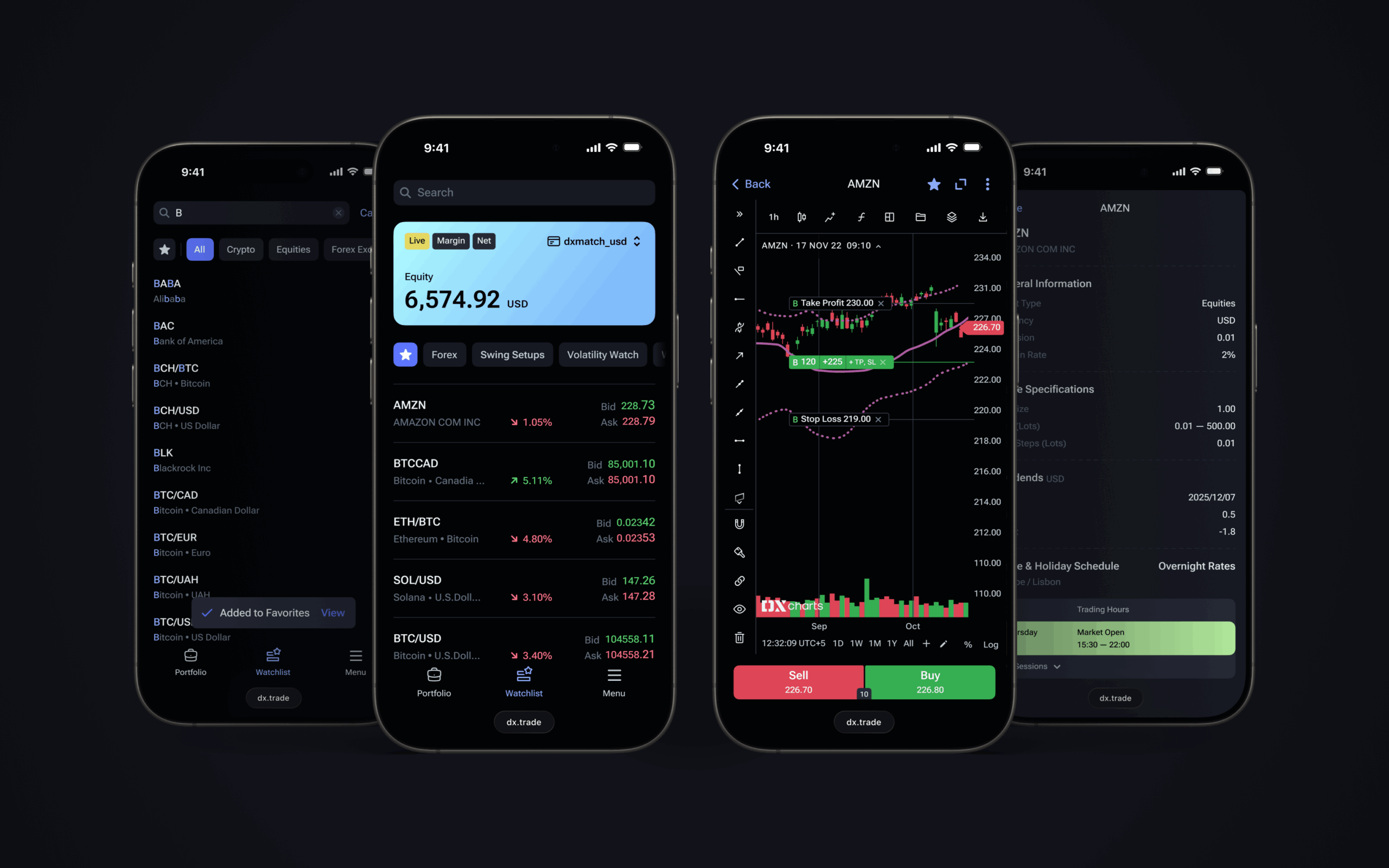
London, December 11, 2025 – DXtrade has released its latest round of updates to its web and native mobile functionalities, which includes the enhancement of its web mobile charts.
Created specifically for licensing by brokers, DXtrade’s web and native mobile offerings are designed to provide an excellent experience for traders, whether at their desk or on-the-go.
DXtrade significantly enhances web mobile capabilities
In its latest update, DXtrade’s web mobile offering has been enhanced to allow traders to trade directly from the chart, including placing orders and viewing active and pending positions.
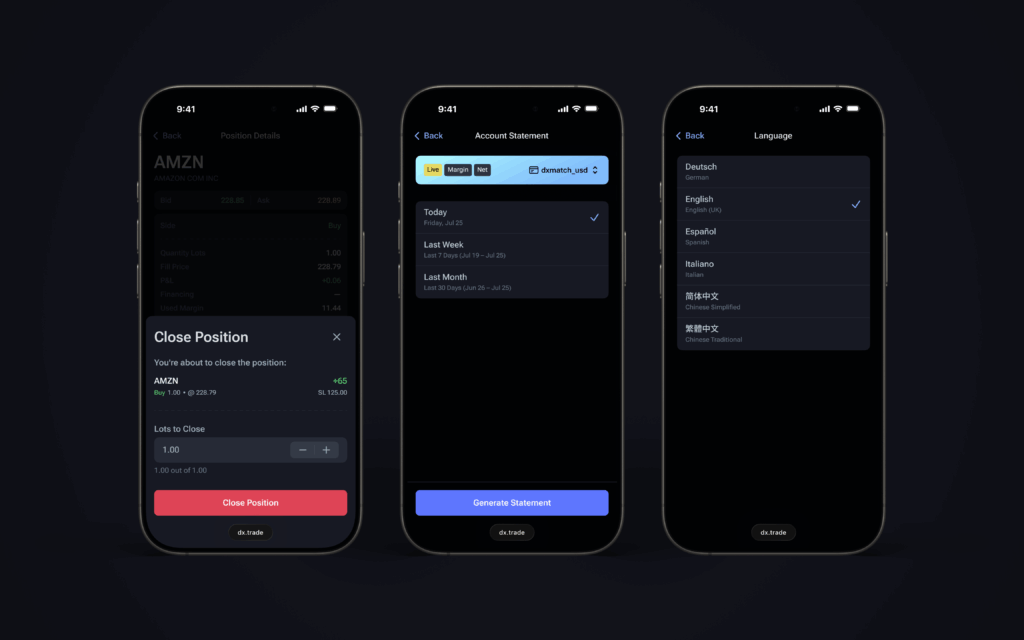
The release also includes the addition of Account Statements to DXtrade via web mobile, meaning traders can generate daily or monthly (current month or previous month) statements, which can be extracted in PDF form, providing a comprehensive overview of activity.
Other important updates to the DXtrade web mobile offering include:
- Additional ‘Watchlist’ functionalities: An updated UI of the Watchlist screen includes a new ‘Favorite’ functionality, which allows traders to add ‘Favorites’ directly from their search or from their charts using a star icon;
- A new and improved UI for instrument information;
- The addition of partial position close option: Allowing positions to be reduced without being closed completely;
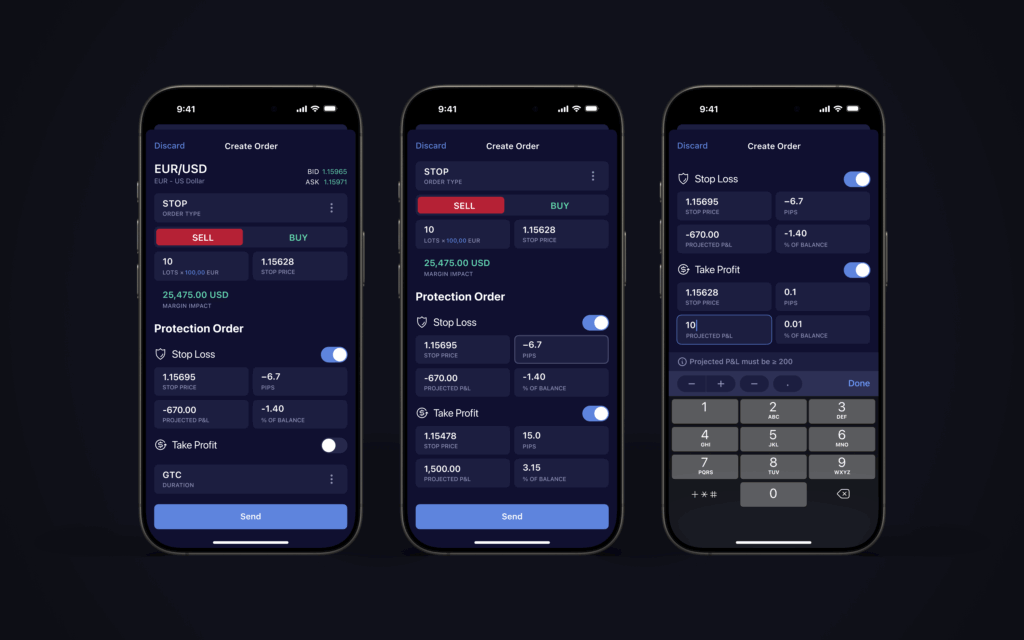
- The ability to apply and visualize Stop Loss and Take Profit; and
- Full language availability: All languages available in desktop mode, are now available on web mobile.
The update will also see DXtrade’s web mobile capabilities support Spread Betting; and includes the ability to log in as a guest for those who would like to explore DXtrade on mobile.
DXtrade mobile app now provides access to latest version of DXcharts
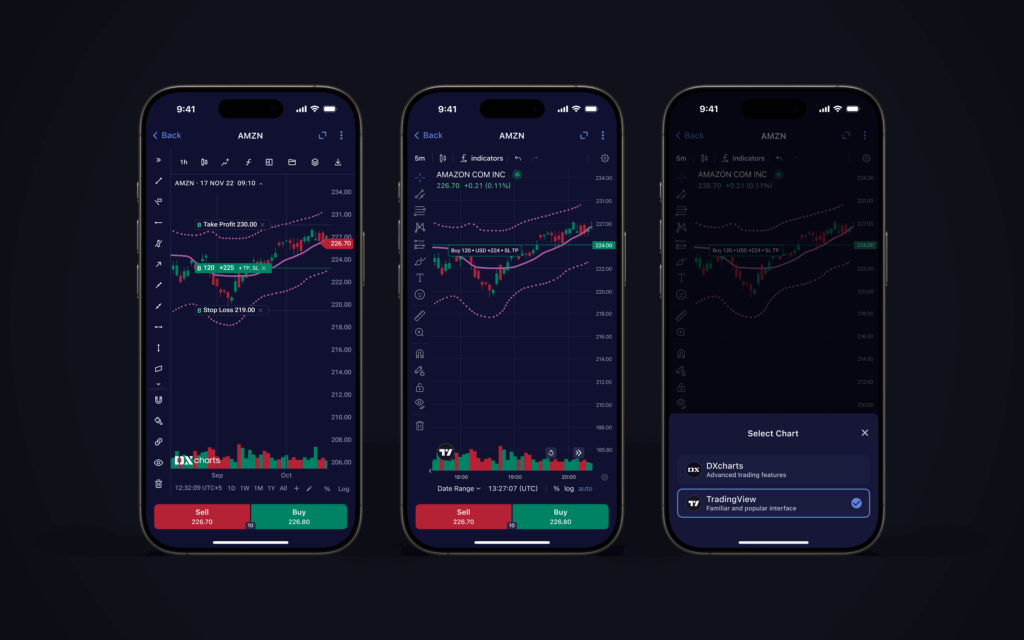
For the DXtrade mobile app, traders now have access to the newest version of DXcharts, and can also switch seamlessly between DXcharts and TradingView charts. The update will, in addition, see traders able to use projected Profit and Loss and percentage of balance for Stop Loss and Take Profit.
Downloadable from App and Google Stores and designed to offer users a full trading feature set, without compromising on functionality or speed, the DXtrade mobile app is available in whitelabel format for full or in part customization according to broker needs.
Brokers not already running the DXtrade mobile app can log in for a demo experience, with the opportunity to explore:
- A realistic demo trading environment for a range of symbols and asset classes;
- Detailed historical price charts at a variety of resolutions;
- Full list of order types including Market, Limit, Stop, and a range of protection orders;
- Entry, cancellation, and editing of working orders;
- Virtual portfolio performance monitoring;
- Alerts and push notifications.
To find out more about DXtrade’s mobile app or to access a demo, please click here.
The updates to both DXtrade web and native mobile are designed to further enhance the trading experience for traders, especially when on-the-go.
